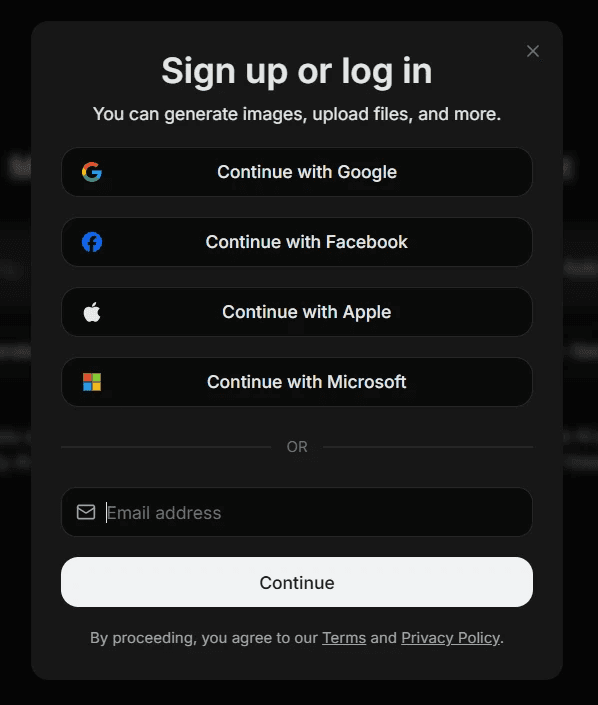
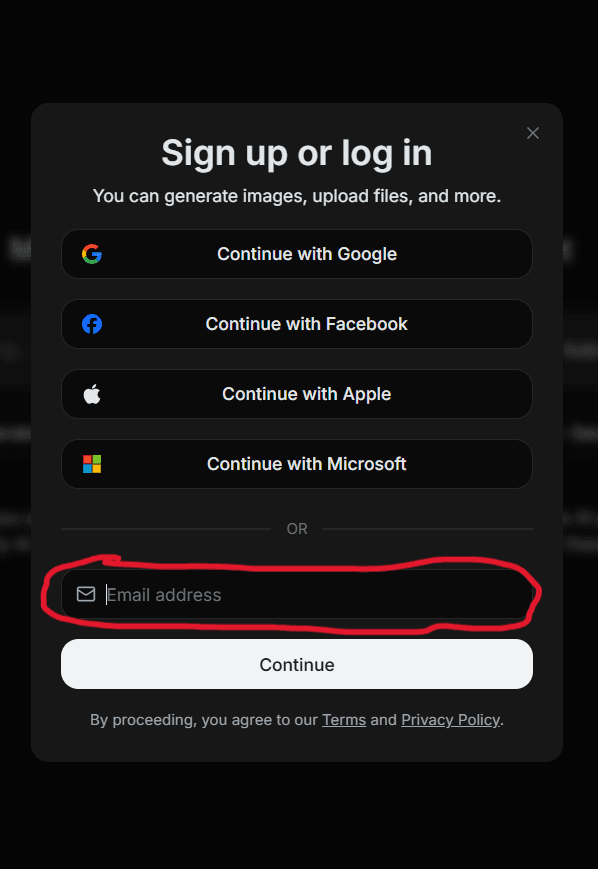
Step 2
Log in on another device with another email
(phone, ipad, computer)
Step 3
Once signed in, sign back out and try to log in
again but only using the bottom email
Step 3
After that, check your personal email for
a log in button, right click it and click
copy clean link
Step 4
Then just paste the link in a email towards yourself
in gmail (still on ur phone but now logged into your
school account Gmail) and send it. Now is when
you switch back to chromebook, click the link and
now you have an ai similar to chat gpt
Step by step guide on how to get ai
(for cusd, idk about any other school districts)
U need a phone and can't use your school email until the end